
📘A quick guide on how to resolve a shadowban/account takeover.
🎞️ PLEASE SEE BELOW LOOM
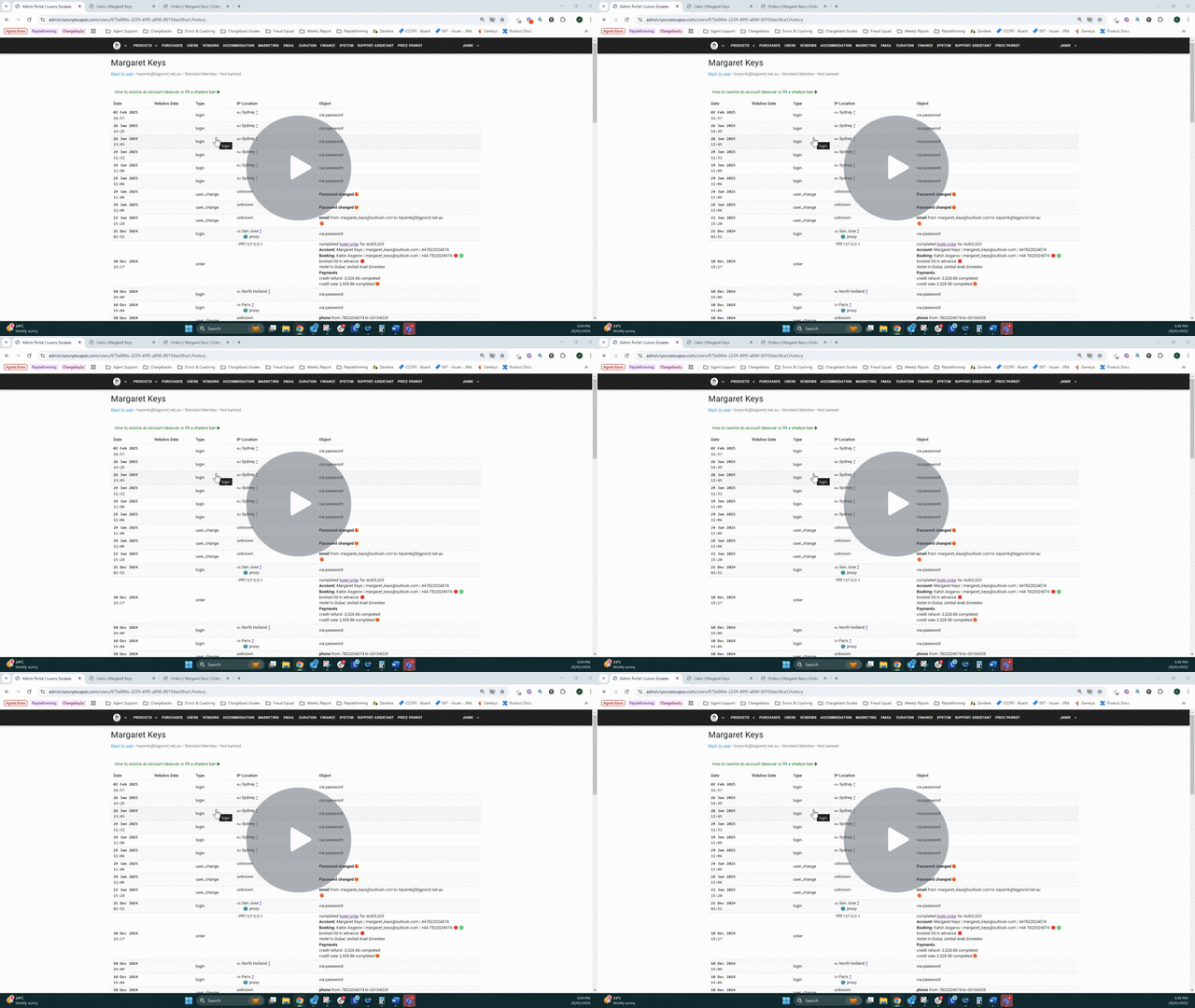
Once an agent has completed their investigation and confirmed an account takeover, the agent can take the below steps to resolve the shadowban. This process does not require escalation to the Fraud Squad.
How to Resolve the Shadowban
📚Step-by-Step Process
➡️ STEP 1: Force log out of the account to disconnect all users, including the fraudster and the legitimate user. Locate the "Force Log Out" button at the top right of the user page, beside the "Delete" button.
➡️ STEP 2: You'll be asked for a password. Create a random one by hitting random keys on your keyboard—make it something no one, including yourself, knows. It's crucial that this password remains private, even from the customer.
➡️ STEP 3: Verify that the name, email, and phone number on the account are correct. Fraudsters may change this information during account takeovers, so checking these details ensures they are accurate and belong to the rightful owner. Update the details as necessary.
➡️ STEP 4: Lift the shadowban. Go to the customer's user page in Admin Portal, scroll down to the bottom of the page and simply uncheck the shadowban box and click update.
➡️ STEP 5: Escalate case to gain approval to refund credit to customer if any credit has been spent fraudulently during the account takeover.
➡️ STEP 6: If the account takeover resulted in fraudulent bookings, go the fraudulent order in Admin Portal and select the 'Edit' button.
➡️ STEP 7: Update the 'Fraud Status' to 'REVIEWED_FRAUD' and select 'Save.'
➡️ STEP 8: Send the customer the following instructions in an email:
Due to suspected unauthorised access, we've terminated all active logins to your Luxury Escapes account.
To securely regain access, follow these two steps:
1. Set a new password for your email account:
- Be sure to choose a password that you don't use on any other website
- It's OK to write this password down, somewhere others won't see it.
- No matter how long or secure your password is, re-using the same password on multiple websites is the least secure thing you can do.
2. Set a new password for your Luxury Escapes account:
- Visit luxuryescapes.com
- Click "login"
- Enter your email
- Click "forgot password"
- Be sure to choose a password that you don't use on any other website
- It's OK to write this password down, somewhere others won't see it.
💡 You can use the macro 'Shadowban Securing Account' to send the above information to the customer.
Comments
0 comments
Please sign in to leave a comment.